QuietPDF
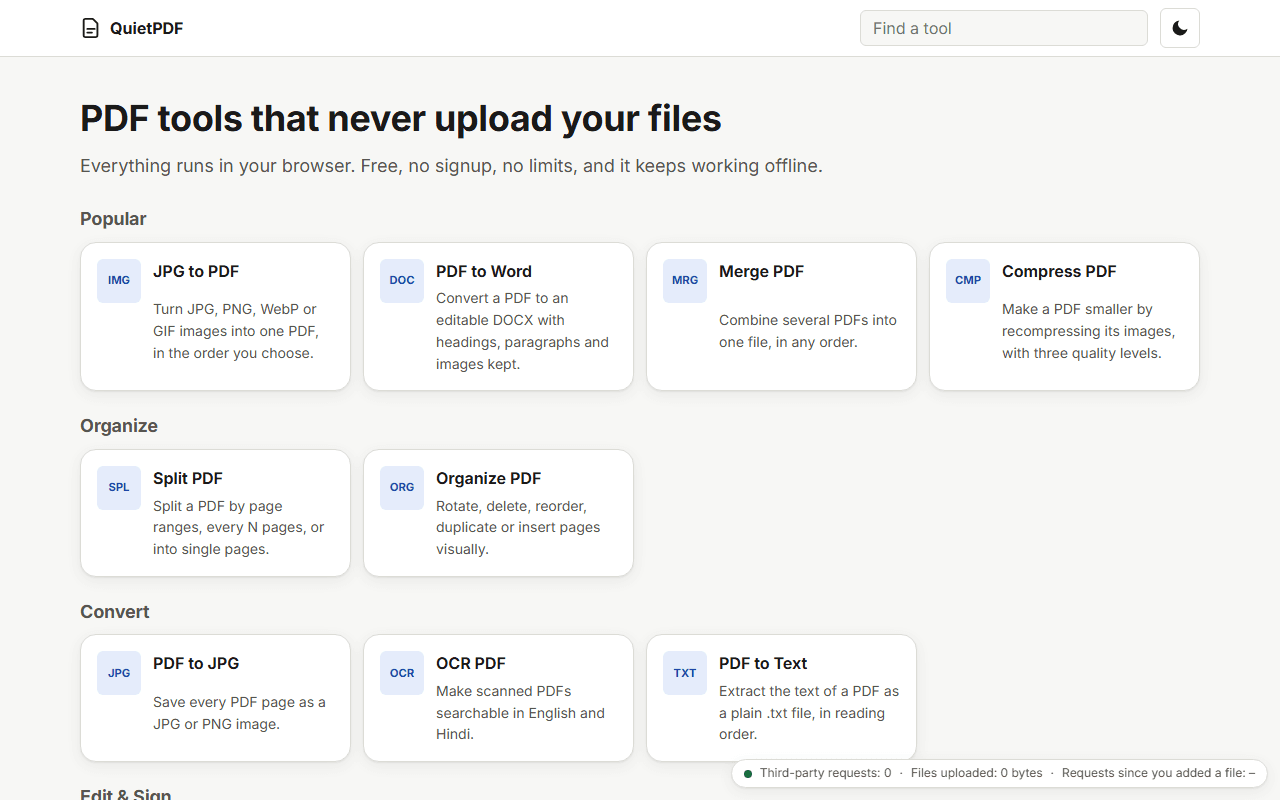
Free PDF tools that run entirely in your browser: merge, split, compress, sign, redact, OCR and more, with nothing uploaded, no accounts, no ads and no analytics.
Architecture
- Third-party requests on the meter
- 0
- Source: QuietPDF README: The privacy proof
- Uploaded bytes on the meter
- 0
- Source: QuietPDF README: The privacy proof
- Tools
- 15
- Source: QuietPDF README: Tools
- OCR languages
- 2
- Source: QuietPDF README: Tools
- pdf.js
- qpdf
- Tesseract
- TypeScript
- Service worker (PWA)
- Vitest
- Playwright
Hard problems
Prove that files never leave the device.
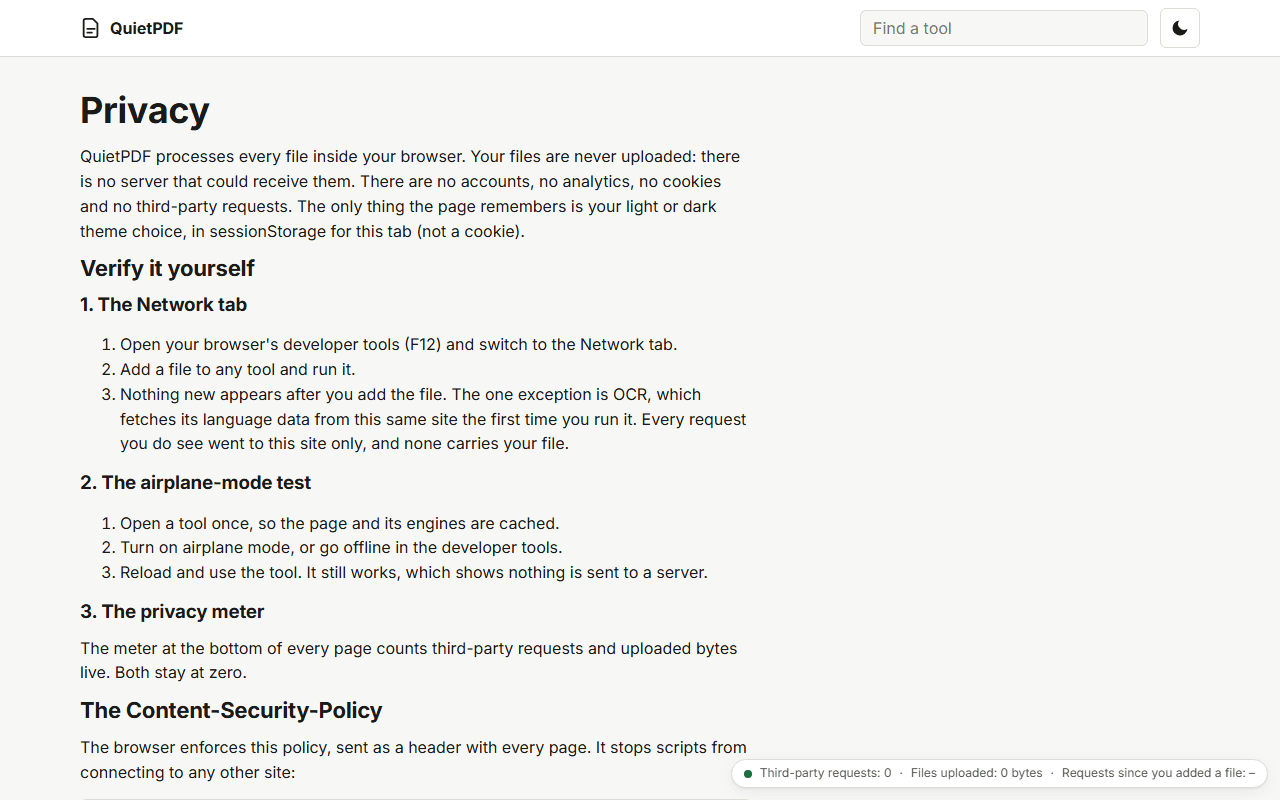
A strict CSP (connect-src 'self', script-src 'self') forbids requests to any other origin, and a meter on every page counts third-party requests and uploaded bytes live.
Source: QuietPDF README: The privacy proof
Run heavy PDF and OCR engines without a CDN.
pdf.js, qpdf, Tesseract and every font are self-hosted, and OCR fetches its language data from the site's own origin on first use.
Source: QuietPDF README: The privacy proof
Catch an off-origin reference before it ships.
A third-party check script scans the built site for any off-origin reference.
Source: QuietPDF README: The privacy proof
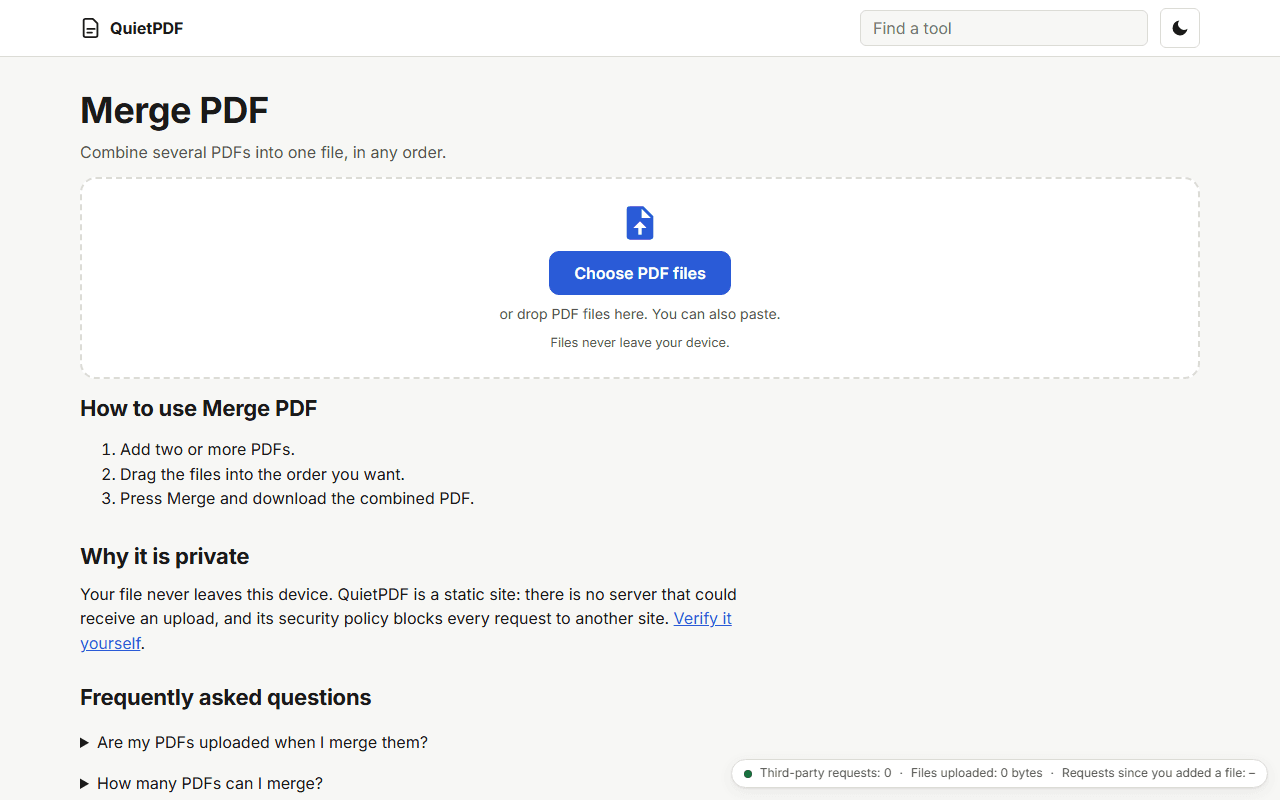
Pick a PDF tool, add your file and get the result back, without anything being uploaded. There are no accounts, no ads, no analytics and no cookies, and after the first visit it works offline.
Who it helps
Anyone who has to merge, sign, redact or OCR a PDF and would rather not upload it anywhere.
How it is designed
- A privacy meter at the bottom of every page counts third-party requests and uploaded bytes live.
- One tool per job: merge, split, compress, sign, protect, unlock, true redaction and more.
- OCR reads English and Hindi.
Overview
QuietPDF is a set of free PDF tools that run entirely in your browser. Your files never leave your device: nothing is uploaded, and there are no accounts, no ads, no analytics and no cookies. The tools are merge, split, compress, organize (rotate, reorder, delete, extract), JPG to PDF, PDF to JPG, sign, page numbers, watermark, protect, unlock, true redaction, OCR (English and Hindi), PDF to Word and PDF to text.
Architecture
- The pdf.js, qpdf and Tesseract engines and every font are self-hosted, so nothing loads from a CDN.
- A strict Content-Security-Policy (
connect-src 'self',script-src 'self') forbids requests to any other origin. - OCR fetches its language data from the site's own origin on first use.
- A privacy meter at the bottom of every page counts third-party requests and uploaded bytes live.
- The app works offline after the first visit as a PWA.
Hard problems
- Prove files never leave the device. A strict CSP (
connect-src 'self',script-src 'self') forbids requests to any other origin, and the meter on every page counts third-party requests and uploaded bytes live. - Heavy PDF and OCR engines with no CDN. pdf.js, qpdf, Tesseract and every font are self-hosted, and OCR fetches its language data from the site's own origin on first use.
- Catch an off-origin reference before it ships.
npm run check:third-partyscans the built site for any off-origin reference.
Trade-offs
- Self-hosting every engine and font keeps the privacy proof simple, at the cost of shipping them with the site.
- OCR language data is fetched on first use rather than bundled up front.
Verification
npm run check:third-partyscans the built site for any off-origin reference.npm run check:assetschecks the shipped assets.- Open DevTools, then Network, add a file and watch: no request leaves the site and none carries the file.
- Unit tests run with Vitest and end-to-end tests with Playwright.
What it does for you
Pick a PDF tool, add your file and get the result back: merge, split, compress, reorder, sign, add page numbers or a watermark, protect, unlock, redact, read scanned text or turn a PDF into Word or text. Nothing is uploaded, and there are no accounts, no ads, no analytics and no cookies. After the first visit it works offline.
Who it helps
Anyone who has to merge, sign, redact or OCR a PDF and would rather not upload it anywhere.
Design notes
- A privacy meter at the bottom of every page counts third-party requests and uploaded bytes live. Both stay at zero.
- One tool per job, from merge and split to true redaction.
- OCR reads English and Hindi.